

Free Resume Template
PUBLISHED18 October 2021
WRITTEN BY
Ready to explore the job market? Get started with this free resume template.
Your resume is a showcase of your experience in the industry, skills, and achievements and will be used to determine if you are a good fit for the role. Making your resume stand out, is as important as making great first impressions. After all, this is the first document your potential employer will come across.
The unemployment rates have spiked due to COVID. You may have also noticed the rise in the number of applications for a single job. Needless to say, the competition is very high. You need a great resume to stand out and land your dream job. Here is a free resume template to help you get started.
Click here to Download Free Resume Template –>
When you start editing this free resume template, you may think of enlisting all your achievements and experience in your resume. However, it is more important to highlight the ones that are fit for the role you are applying for. The resume should pique the interest of your employer and make them eager to call you for an interview.

Here are some Do’s and Dont’s of a resume to help you out:
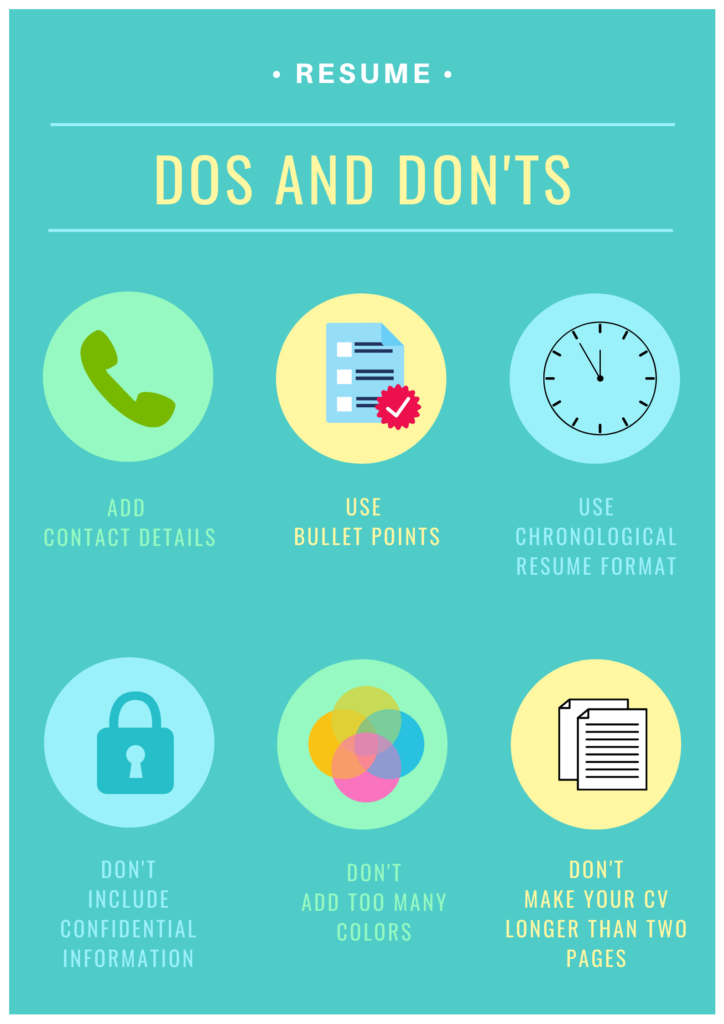
Do:
- Include your contact information
- Highlight your most recent experience
- Include Personal accomplishments
- Use bullet points
- Include soft skills
- Start from a template
- Save final copy as a pdf (unless requested otherwise)
- Optimise for “applicant tracking system”
- Consider volunteer or other non-work experience, if relevant to the role.
- Consider a creative or digital resume
Don’t:
- Include anything confidential
- Include random, unrelated hobbies
- Use more than 2 fonts
- Forget to spell check and check for grammatical errors
- Make your resume longer than 2 pages
Remember to also put the most relevant information ‘above the fold’. This means that if the job states a certain level of experience, make sure to have it listed somewhere near the top. This could instantly help with getting a call back for an interview!
It is always wiser to ask your trainer, friend, or even a family member for a second opinion.
Like it? Feel free to share it with someone who is looking for a job.
Speak to one of our Course and Career’s Advisors
if you have any further questions!
 Schedule a Time
Pick a time: lunchtime, after the kids are in bed, anytime. We’ll call you back.
Related Articles